Surface clearing
Countertops, bathroom shelves, bedside tables and worktops cleared of the daily accumulation that makes a room look small.
Virtual decluttering
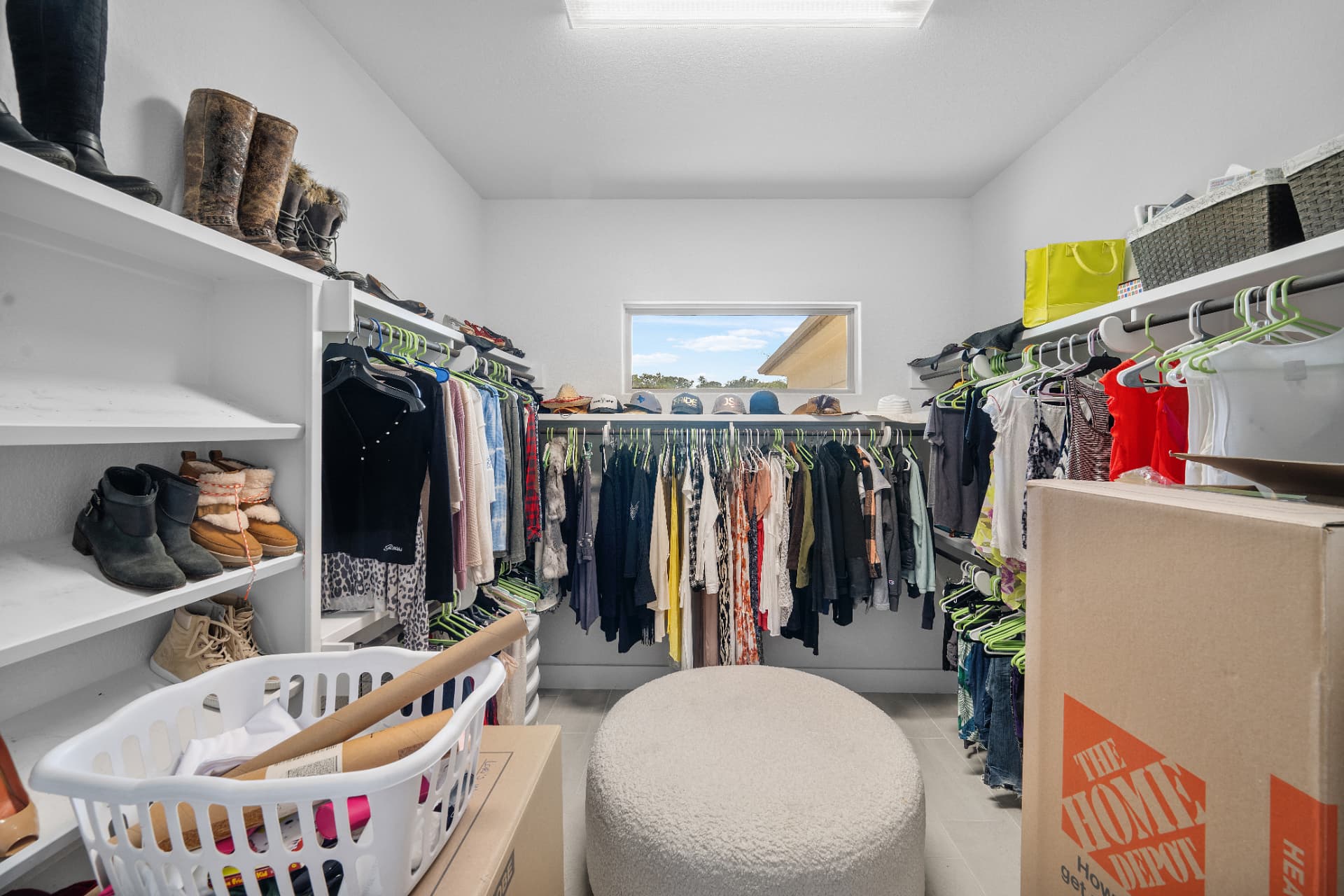
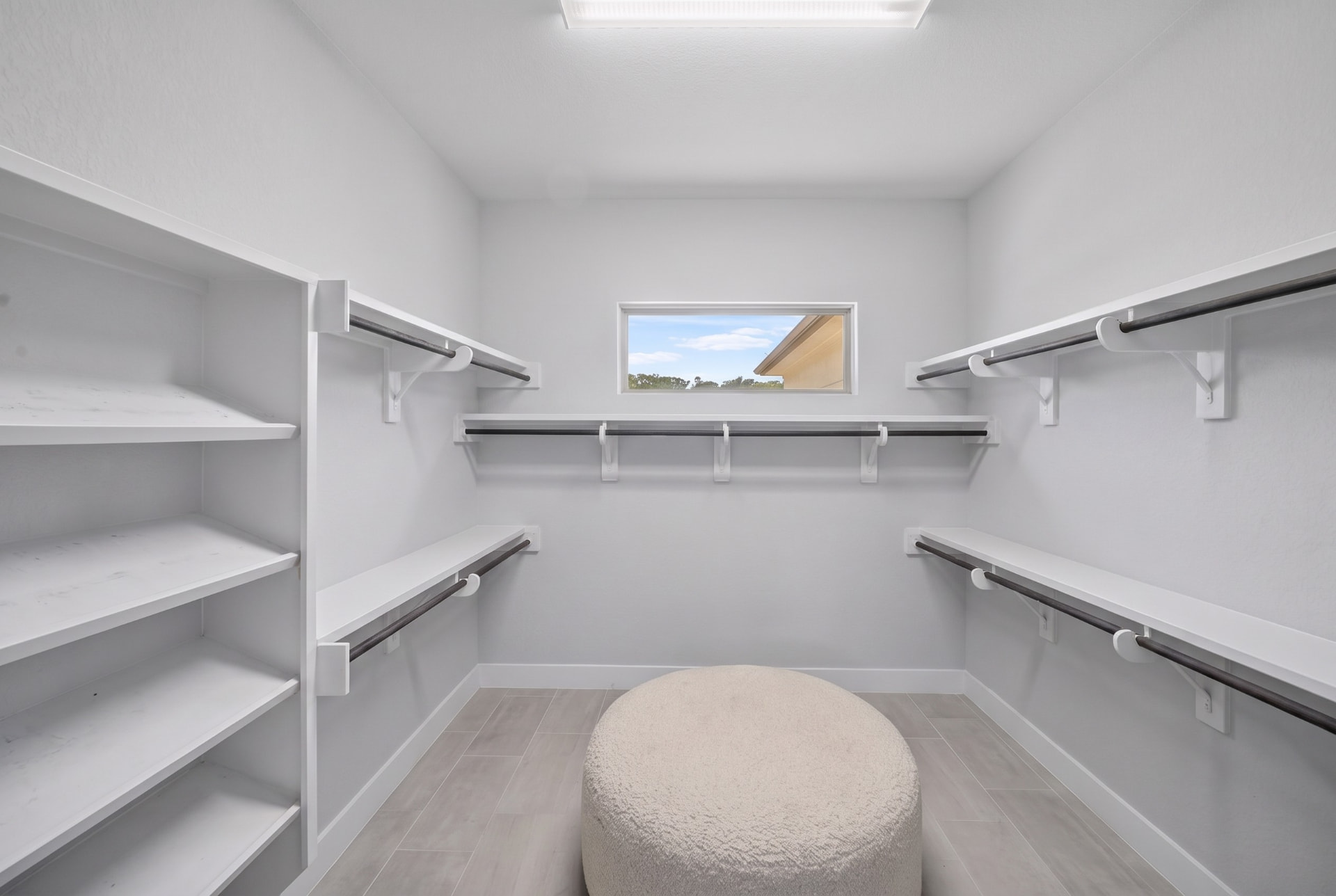
Occupied listings are the hardest to photograph well. Virtual decluttering clears the mess a seller could not, so the space, the light and the finish are what a buyer actually looks at.
The awkward conversation
Sometimes they will not, sometimes they cannot, and sometimes you are on site with forty minutes to shoot eight rooms.
Clutter does more damage than any other single factor in listing photography. It makes rooms look smaller, hides the finishes the seller paid for, and pulls a buyer's eye to things that have nothing to do with the property.
Decluttering in post is not a substitute for a well-prepared property, but it saves the shoots where preparation did not happen — and it does it without the agent having to have an uncomfortable conversation the day before listing.
What is included
Countertops, bathroom shelves, bedside tables and worktops cleared of the daily accumulation that makes a room look small.
Family photographs, medication, mail and anything that identifies the seller — a privacy win as much as a presentation one.
Toys, laundry baskets, boxes and pet gear removed with the flooring rebuilt underneath rather than smeared over.
The room keeps its scale and purpose. Emptying it entirely often makes a listing harder to read, not easier.
The whole listing decluttered to one standard, so the tidy kitchen is not followed by a chaotic utility room.
Mess goes. Wear, damage, stains and fixtures stay. Presentation is fair game; condition is not.
On site
FAQ
Digitally clearing an occupied room of the mess that hides it — countertop clutter, toiletries, laundry, toys, personal photographs — so the space itself is what the buyer sees.
Object removal targets specific items you point at, often outdoors — a car, a bin, a cable run. Decluttering clears the general accumulation across a room so it reads as clean and spacious.
Not by default. Clearing the clutter while leaving the furniture usually sells better than an empty shell, because the room keeps its scale and purpose. If you want it empty and then staged, that is a different treatment.
Clutter removal is widely accepted as presentation, and most markets expect altered images to be labelled. What buyers do object to is arriving to find the property materially different from the photos — which is why condition and fixtures never get touched.
From $0.50 per image for photographer accounts, run as an alteration on your own uploads or on delivered finals.
Run decluttering on your own photos or a delivered set, from $0.50 per image.