Targeted removal
Point at the item you want gone. One object, a row of bins, or every cable in the media wall.
Object removal
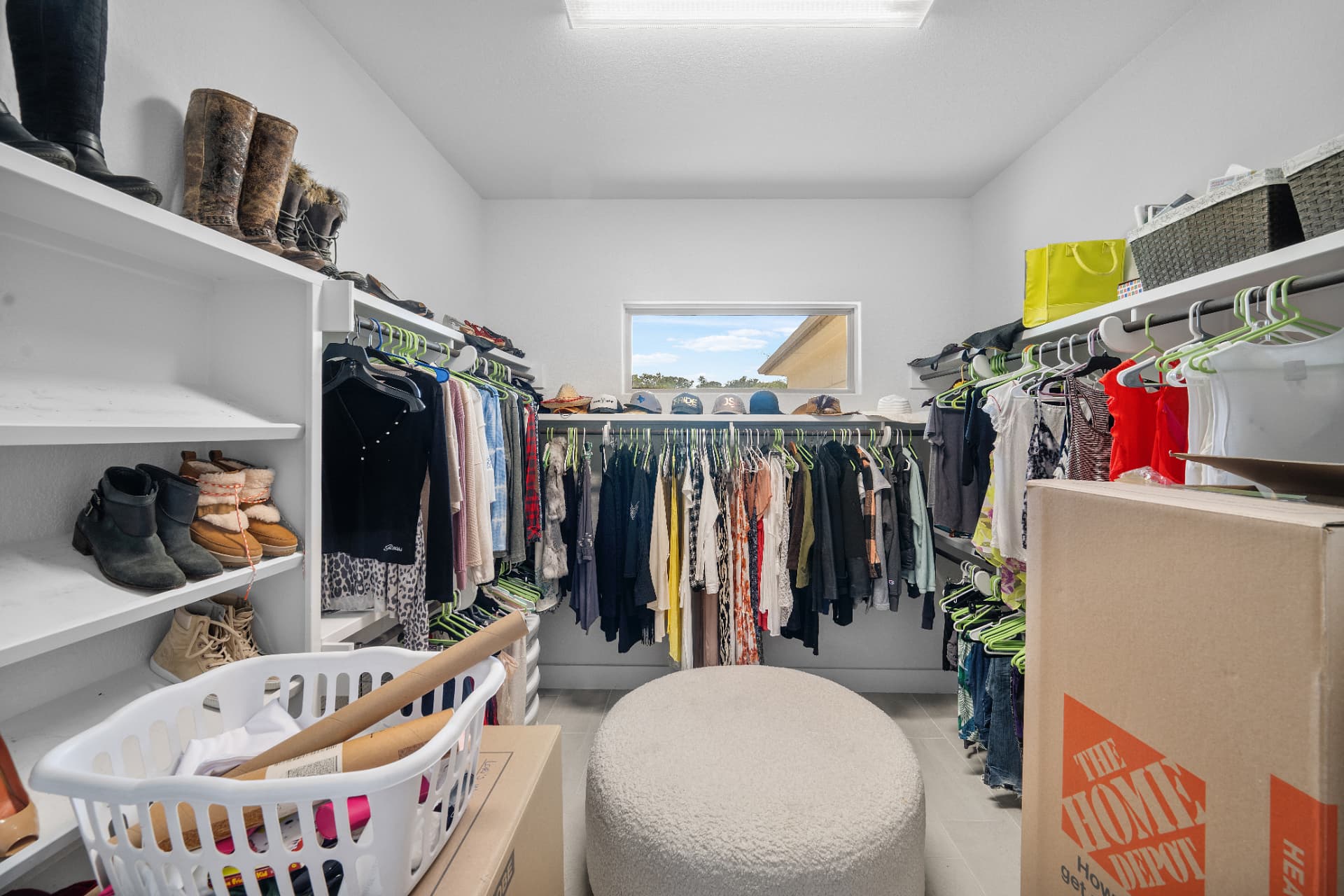
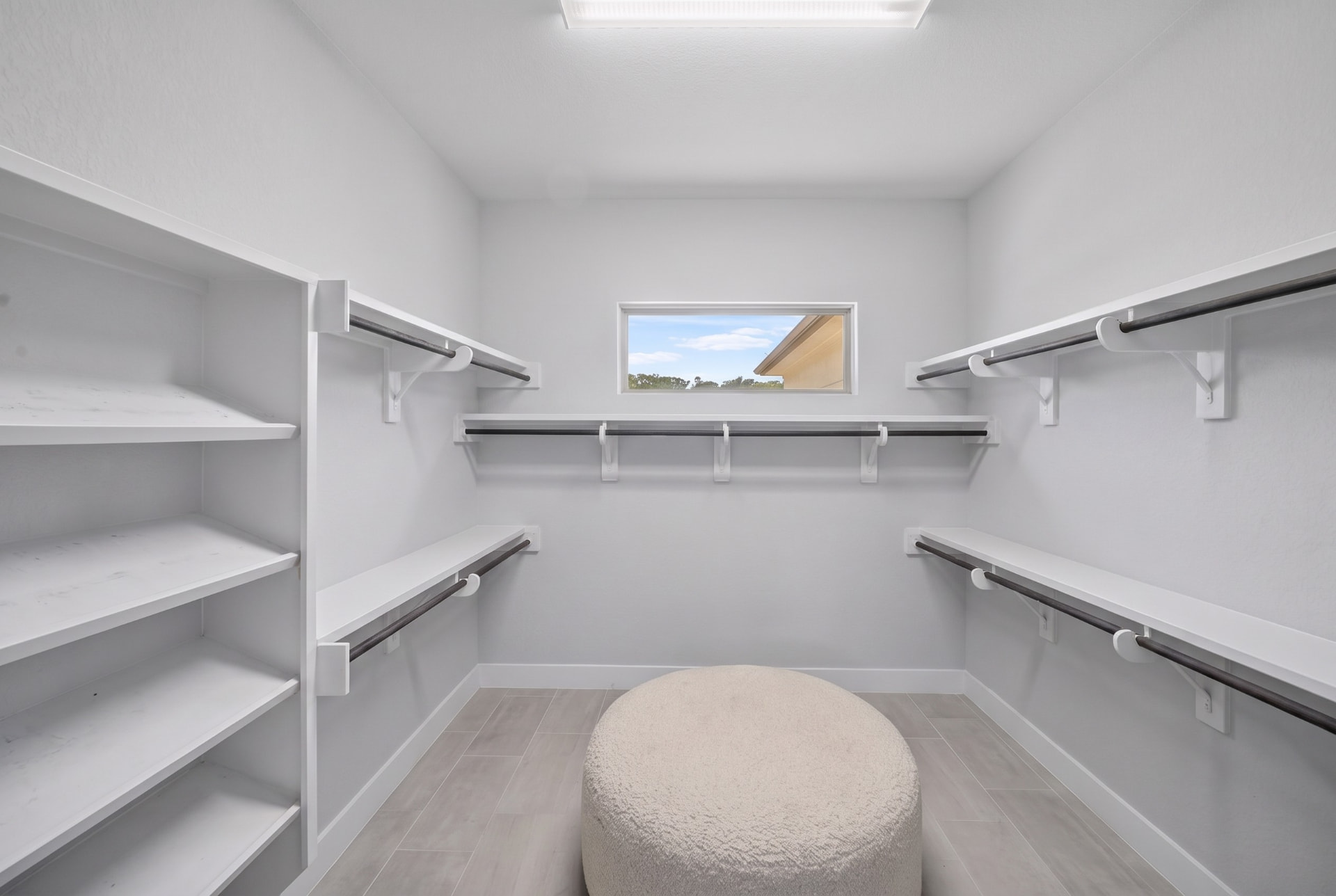
The seller's car, three bins on the driveway, a tangle of cables under the TV. None of it is for sale, and all of it pulls attention away from the room. Object removal clears it and rebuilds what was behind it.
Where it goes wrong
Any tool can erase an object. Very few leave behind a floor that still looks like a floor.
Look at the ground under a removed car and you will usually find the answer: repeating texture, a smeared kerb line, a paving joint that stops halfway across. On a listing page where buyers zoom, that patch is more distracting than the car was.
The other frequent failure is orphaned evidence — the shadow of a bin that is no longer there, or a reflection of the removed object in a window. Removing the item means removing everything the item caused.
What is included
Point at the item you want gone. One object, a row of bins, or every cable in the media wall.
Flooring, grout lines, skirting and paving rebuilt behind the object so the patch survives a full-screen look.
The object's shadow and its reflection in glass or polished floor go with it. Leaving them is the classic tell.
Personal items inside, vehicles and bins outside — the same standard applied to both.
A removal that looks fine on a thumbnail and falls apart on a 4K listing page is not finished.
We remove clutter, not condition. Anything a buyer would need to know about stays in the photograph.
Our line
FAQ
Movable things that are not part of what is being sold: cars on the driveway, wheelie bins, hoses, cables, toys, personal photographs, toiletries, pet bowls, for-sale signs from a previous agent.
Anything that changes the property itself — damage, stains, permanent fixtures, neighbouring structures, power lines that materially affect the view. Removing those crosses from presentation into misrepresentation.
It is reconstructed from surrounding detail — the flooring pattern, the wall texture, the paving line. Whether the removal holds up depends almost entirely on whether that reconstruction is convincing at full size.
Yes. Alterations run on your own uploads or on delivered finals from inside your workspace, using X Credits — from $0.50 per alteration for photographer accounts.
Related but not identical. Object removal targets specific items you point at; decluttering clears a room of general mess so the space itself reads clearly. Many jobs use both.
Run object removal on your own photos or on a delivered set, from $0.50 per alteration.